Six quick steps — about a minute. The first launch downloads everything Shruti needs, and it all stays on your Mac.
1
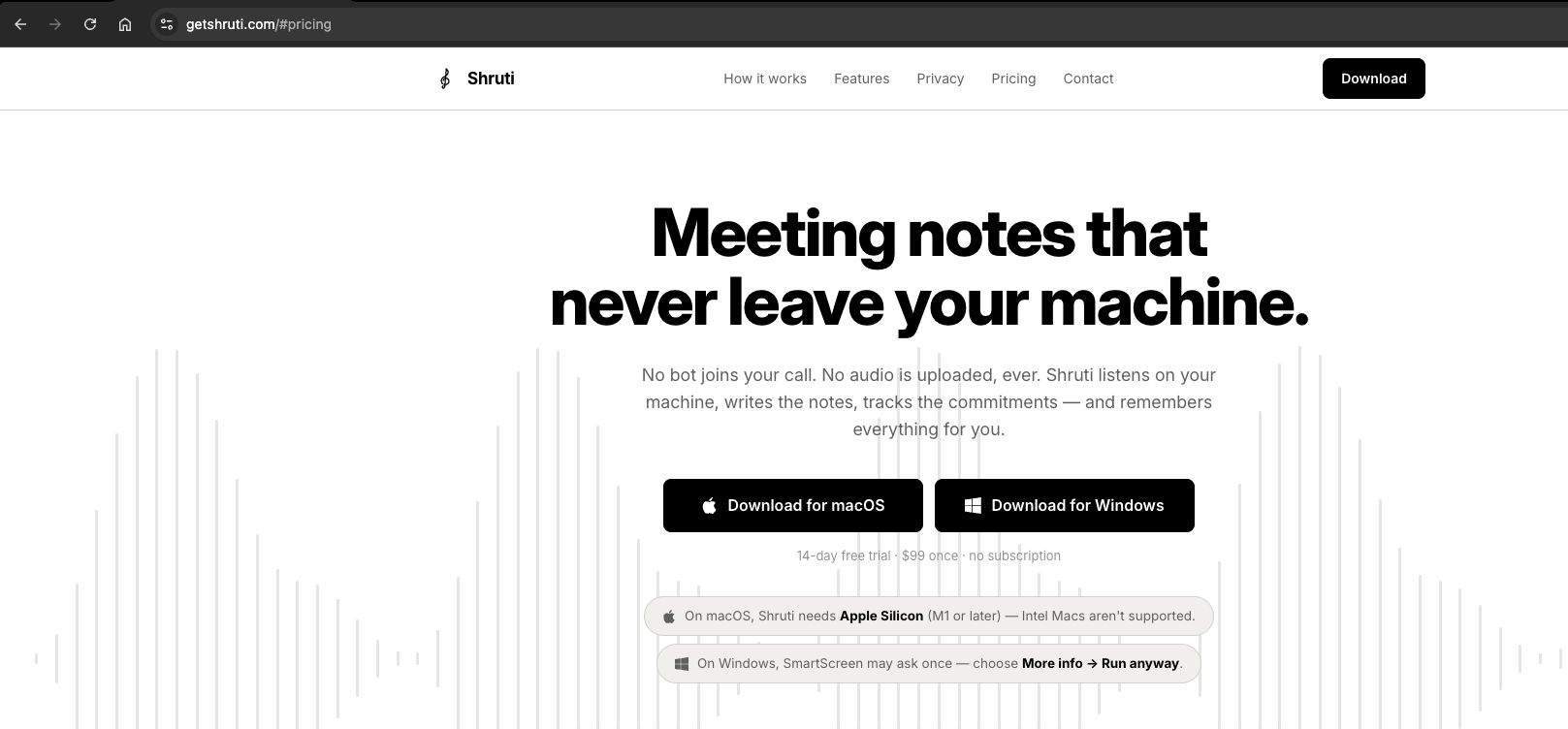
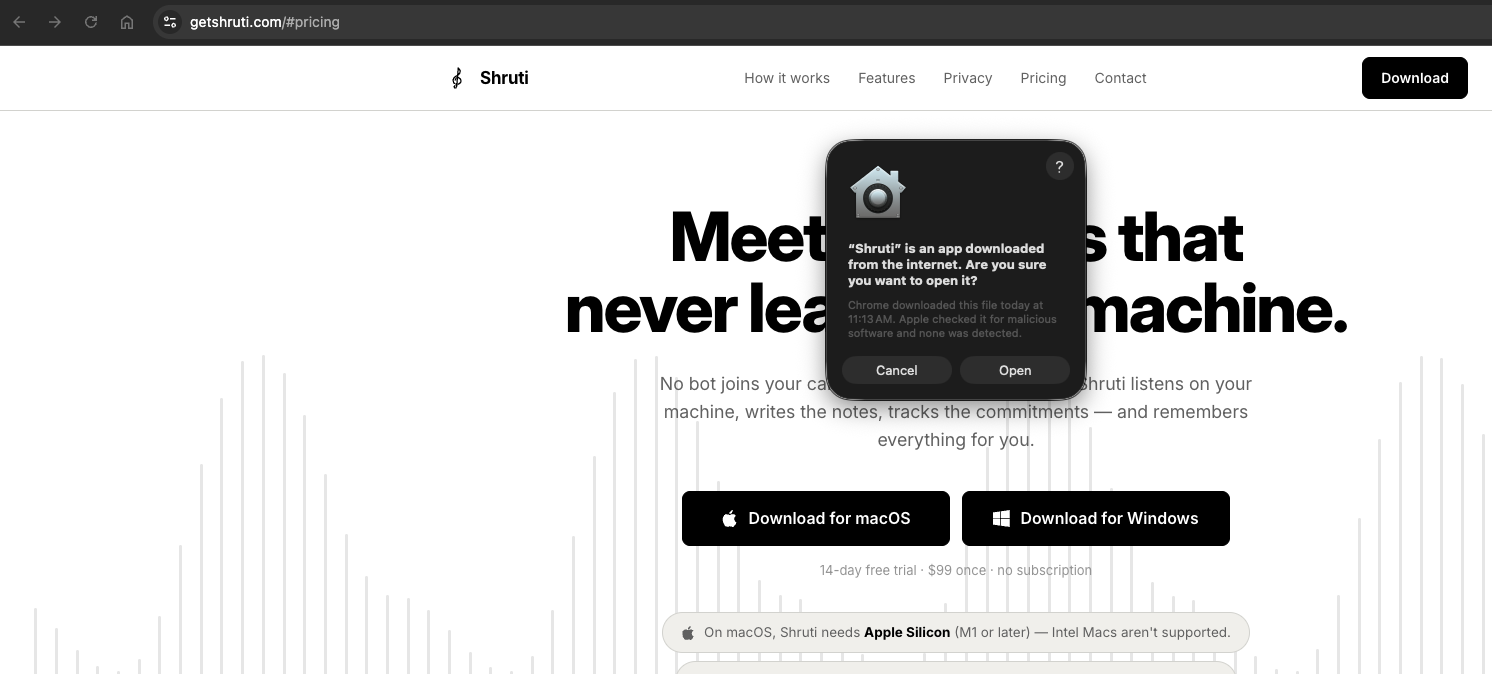
Click Download for macOS on getshruti.com.
2
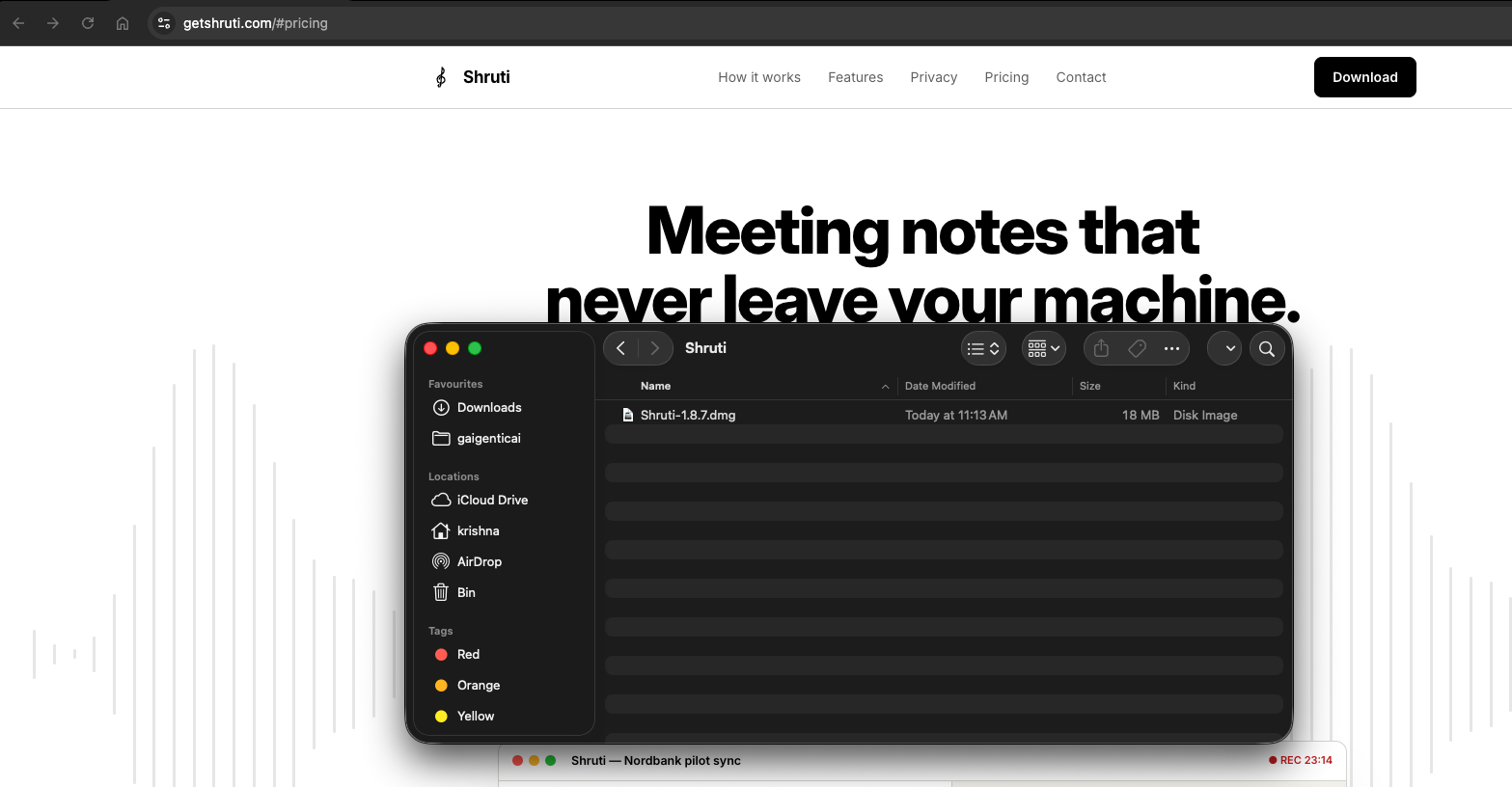
Open the downloaded .dmg file from your Downloads.
3
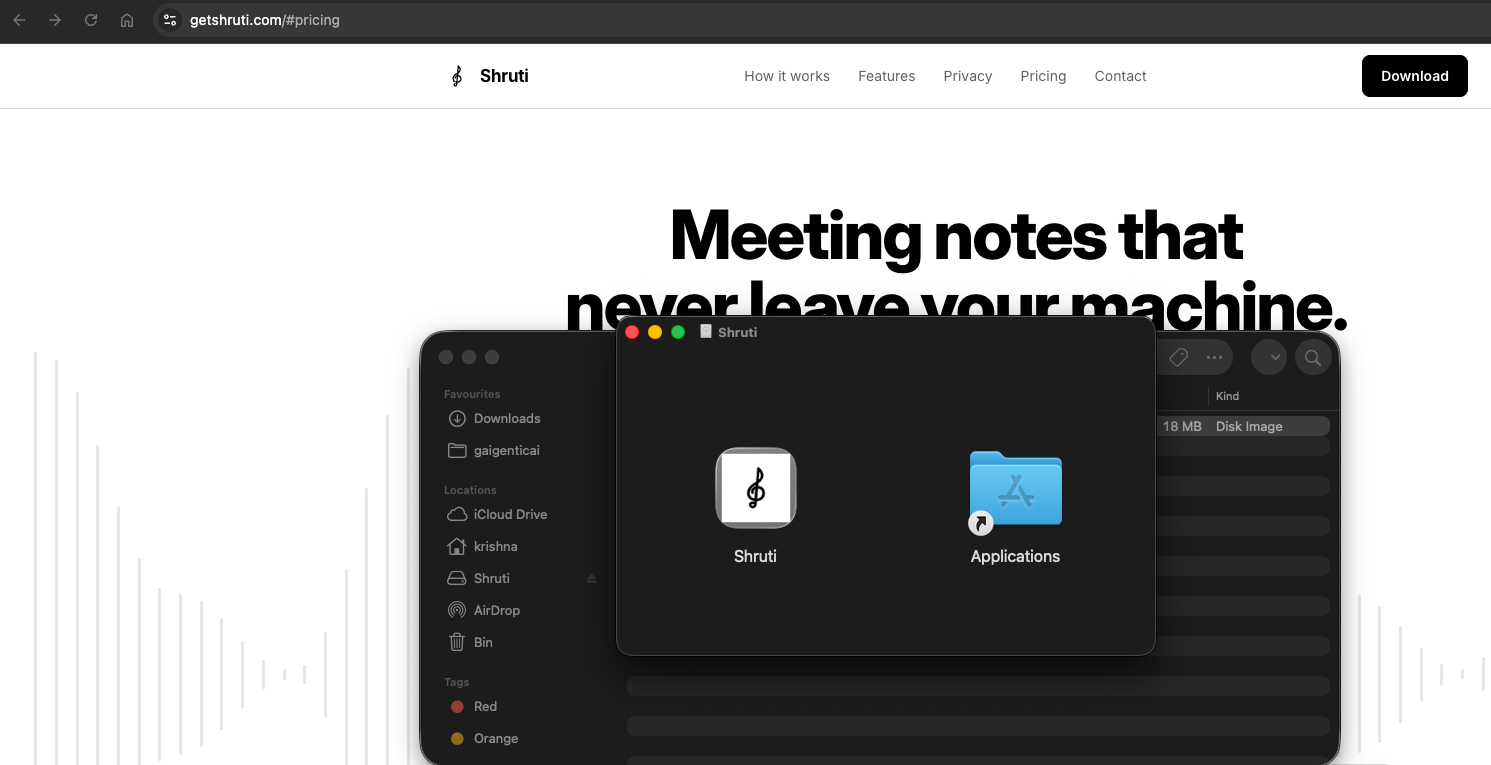
Drag Shruti onto the Applications folder.
4
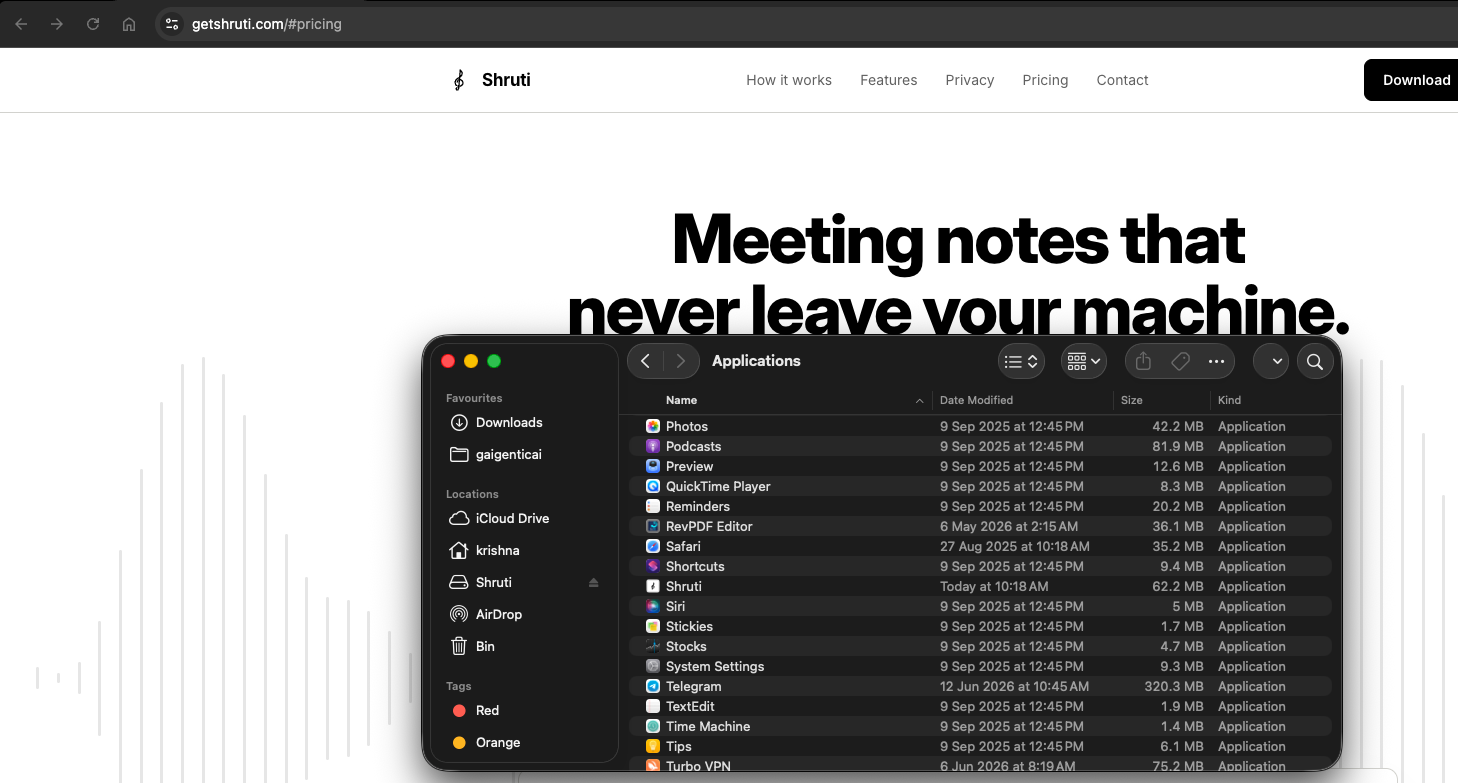
Open Applications and double-click Shruti.
5
Click Open when macOS asks to confirm.
6
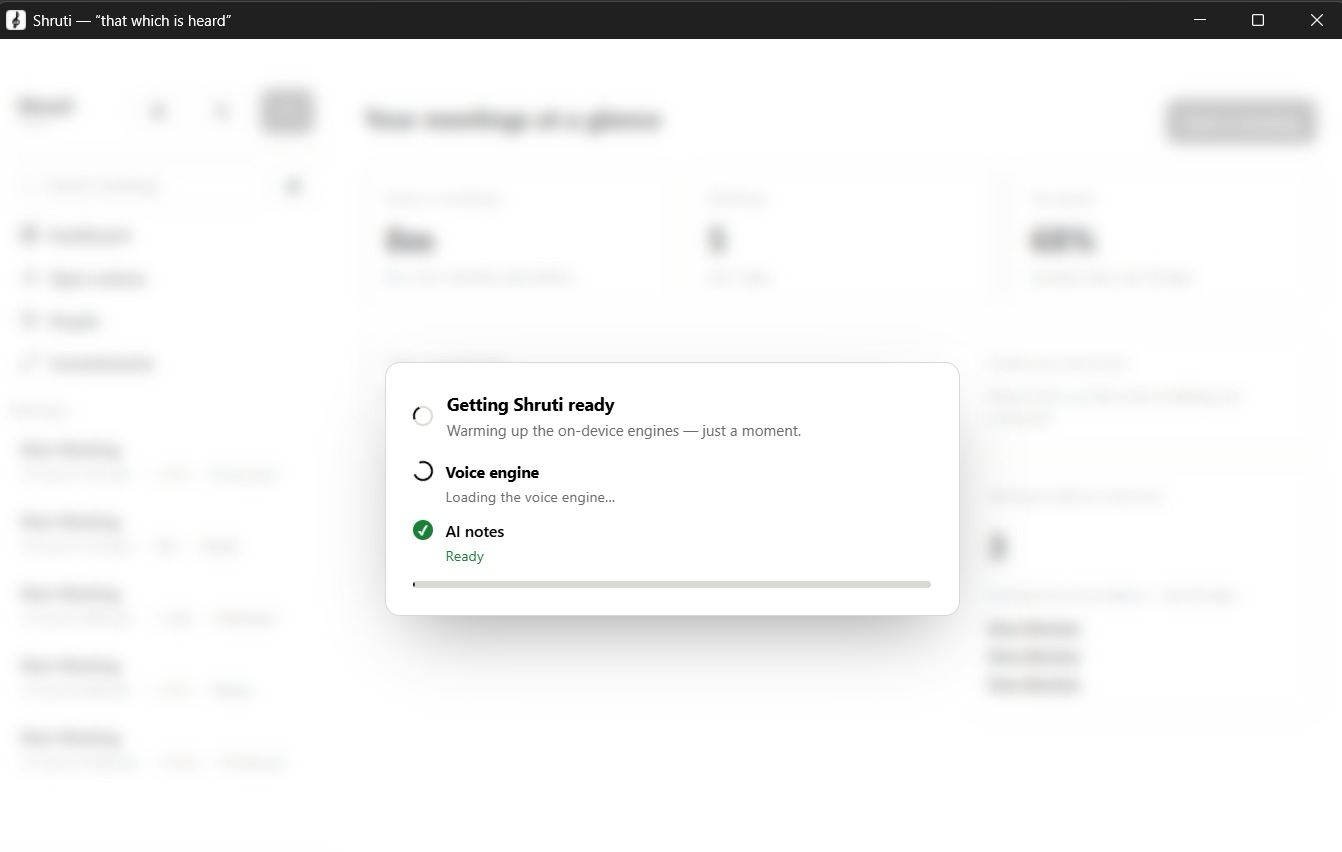
Follow the on-screen setup. Grant the permissions Shruti asks for so it works fully — and the first launch downloads everything it needs (one-time). You can pin it to the Dock for quick access.
That's it — you're ready 🎉
Start a meeting and Shruti listens, writes the notes and tracks the commitments — entirely on your Mac.